
TL;DR
- Plan server infrastructure for your OnlyFans-like website by estimating users, bandwidth, storage, and selecting the right cloud, dedicated, or hybrid hosting model before launch.
- Build a scalable OnlyFans-like platform with separate application, database, and media services, microservices, load balancing, and autoscaling to support creator growth.
- Optimize video streaming performance using object storage, HLS or MPEG-DASH adaptive streaming, CDNs, and secure media delivery to ensure smooth playback worldwide.
- Secure your creator platform with optimized databases, Redis caching, encrypted payments, real-time messaging, DDoS protection, and automated backups for maximum reliability.
Most creator platform founders spend the bulk of their early planning on features and monetization and that’s understandable. But the platforms that continue growing well beyond their first year usually have one thing in common; they planned their server infrastructure early.
If you’re planning to start a website like OnlyFans, your platform must support large video uploads, recurring subscriptions, real-time messaging, and sudden traffic spikes whenever a popular creator goes live.
If your server setup isn’t built to handle that demand, users may experience buffering, downtime, failed payments, and slow performance, leading to frustration and lost revenue. .
This guide explains how to plan server infrastructure for an OnlyFans-like website, covering platform requirements, hosting selection, backend scalability, video delivery, security, and database choices for future growth.
1. Define Your Platform Requirements Before Choosing a Server Setup
Choosing the wrong server setup is usually a planning mistake. Many founders select hosting based on their launch budget instead of the actual workload their platform needs to support. Before provisioning any servers, define your content model, expected traffic, storage requirements, and long-term growth plans.
A. Choose Your Business Model
Your business model has a bigger impact on server requirements than the number of users.
- VOD platforms primarily need scalable object storage, a CDN, and video transcoding. They’re the easiest and most cost-effective to launch.
- Live streaming platforms require low-latency streaming servers, higher bandwidth, and significantly more computing power to support real-time broadcasts.
- Hybrid platforms combine live streaming, on-demand videos, and messaging. Since each workload has different performance needs, they require a well-planned backend.
Define your content model first, as it influences every hosting decision that follows.
B. Estimate Users, Traffic, and Bandwidth Requirements
Instead of planning for today’s users, prepare for future growth by estimating multiple stages:
- Launch: 500 – 2,000 subscribers with mostly VOD traffic.
- Growth: 10,000 – 50,000 subscribers with higher concurrent usage and occasional live streams.
- Scale: 100,000+ subscribers, multiple live events, and global traffic.
Bandwidth requirements increase quickly. A 1080p adaptive stream typically consumes 3 – 5 Mbps per viewer, making CDN integration and sufficient server capacity essential for maintaining smooth performance.
C. Calculate Storage Requirements
Video content consumes storage rapidly. A 10-minute full HD video generally occupies 1 – 3 GB, and transcoding into multiple resolutions can increase storage needs by 2 – 4x times.
For example, if 500 creators upload 10 videos per month, your platform could generate around 30 TB of new storage every month. Using tiered object storage and lifecycle policies helps control long-term storage costs while maintaining fast access to popular content.
D. Select the Right Hosting Model
Choosing the right hosting for adult sites early makes it easier to scale your creator platform without unnecessary migrations or unexpected costs.
- Cloud hosting is the right starting point for most platforms. It gives you pay-as-you-go pricing, managed databases, and easy CDN integration. OnlyFans itself operates on cloud-based services to ensure scalability, reliability, and handle traffic fluctuations efficiently.
- Dedicated servers make sense once you’re past $5,000/month in cloud spend and have predictable traffic. You get more compute per dollar, but you’re responsible for maintenance and scaling yourself.
- Hybrid setups use cloud for elasticity (live events, traffic spikes) and dedicated servers for baseline workloads (database, stable VOD delivery). This is where most mid-sized creator platforms land.
📌Pro Tip: Confused by the many hosting options available? Our expert guide on best adult web hosting providers compares leading solutions to help you select the best hosting for long-term platform growth.
2. Build a Reliable Backend for an OnlyFans-Like Website
The backend is where most early-stage platform founders cut corners and pay for it later.
A. Separate Your Application, Database, and Media Services
These three things have entirely different resource profiles and need separate servers or containers:
- Application servers handle API requests, authentication, and business logic.
- Database servers store persistent data like users profiles, subscriptions, payments, & content metadata.
- Media servers manage video uploads, transcoding, storage, and streaming delivery.
Keeping media workloads separate from application services is essential for video-based platforms. Otherwise, a surge in large video uploads can impact critical functions like user logins, payments, and content access.
B. Use Microservices to Improve Flexibility
You don’t need dozens of microservices from the start. But you do need to separate concerns enough that each part of your platform can be updated and scaled independently. A practical starting split:
- Auth service (registration, login, session management)
- Subscription and billing service
- Content service (upload handling, metadata, access control)
- Messaging service (DMs, notifications)
- Streaming service (live broadcasting, HLS delivery)
When a creator uploads a video, the upload service sends a task to a message queue, allowing independent worker services to perform transcoding, segmentation, and HLS packaging asynchronously.
This approach prevents resource-intensive media processing from affecting the rest of the platform and ensures that failures in one service don’t interrupt the overall user experience.
C. Add Load Balancers for Better Performance
As traffic grows, relying on a single application server quickly becomes a bottleneck. A load balancer distributes incoming requests across multiple server instances, improving response times and ensuring continuous availability.
For live streaming, placing media relay servers behind a load balancer enables thousands of viewers to watch the same broadcast simultaneously without overwhelming the origin server.
D. Enable Auto Scaling and High Availability
Traffic on creator platforms can change dramatically within minutes, especially when popular creators publish content or start live streams.
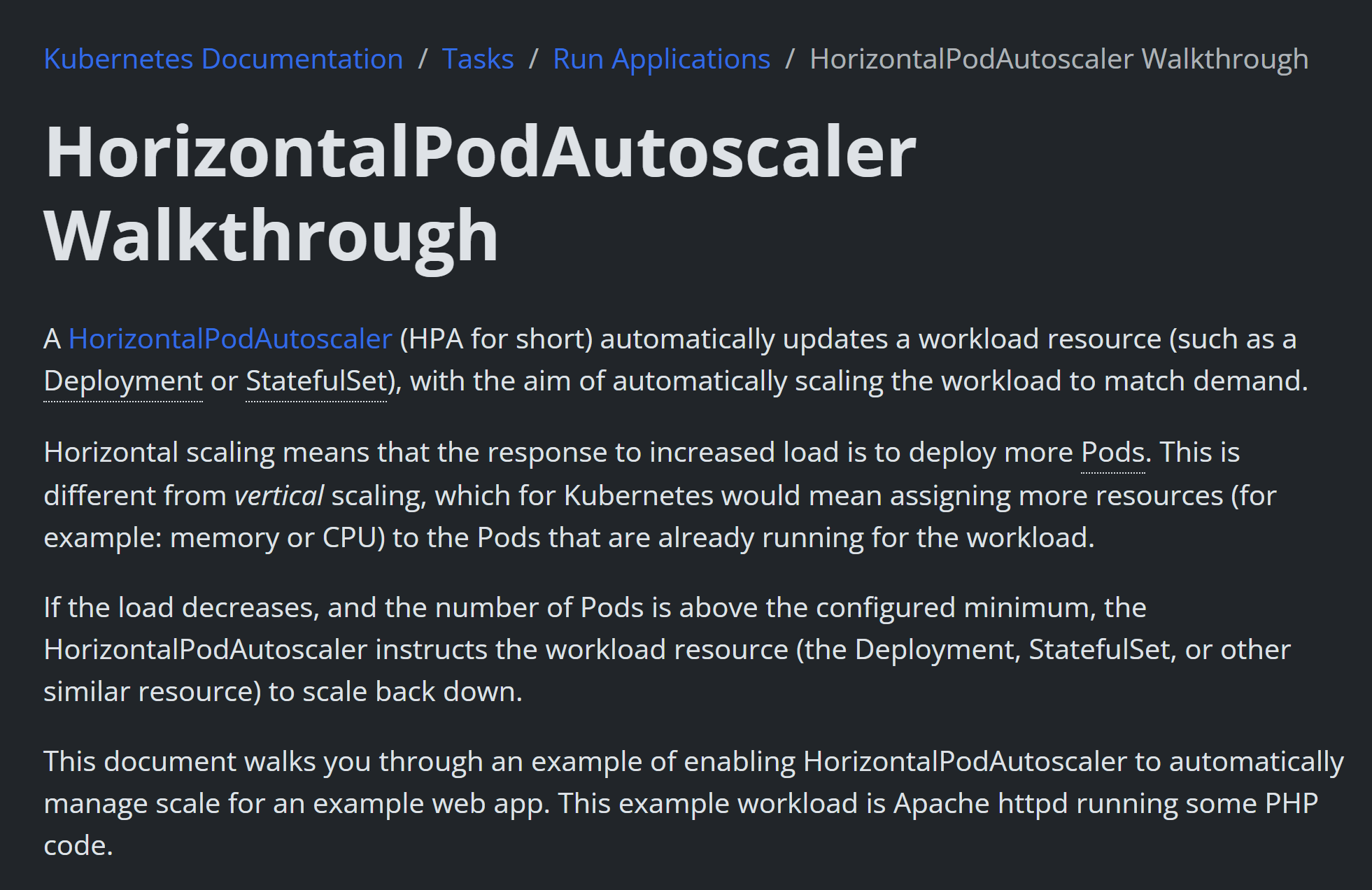
Auto scaling automatically adds or removes computing resources based on demand, helping maintain performance while optimizing infrastructure costs. Technologies such as Kubernetes Horizontal Pod Autoscaler (HPA) & Vertical Pod Autoscaler (VPA) can automatically scale workloads using CPU, memory, or custom metrics.
To maximize uptime, deploy your application across multiple availability zones with automated database failover and CDN-backed content delivery. This ensures your platform continues operating even if a server or an entire data center becomes unavailable.
3. Set Up a High-Performance Video Streaming System
Video is the core product on any creator platform. Get this wrong and subscribers churn, no matter how good the content is. The buffering problem is a trust problem.
A. Create an Efficient Video Upload Workflow
A well-designed upload and processing workflow keeps your application responsive while handling large media files efficiently.
Start by allowing creators to upload videos directly to object storage, such as Amazon S3, using pre-signed URLs. Once the upload is complete, trigger a background processing job through a message queue. Worker services can then transcode the video into streaming-friendly formats without affecting your application servers.
Videos should be converted into HLS or MPEG-DASH with multiple quality renditions to support adaptive bitrate streaming, allowing playback quality to adjust automatically based on each viewer’s network conditions.
Open-source tools like FFmpeg are widely used for transcoding, while managed services such as AWS Elemental MediaConvert simplify large-scale processing.
B. Store Media Files Using Scalable Object Storage
Application servers should never store video assets locally. Instead, keep uploaded videos, transcoded files, thumbnails, and other static assets in scalable object storage.
Amazon S3 remains the industry standard, while alternatives like Cloudflare R2, Backblaze B2, and DigitalOcean Spaces offer lower storage or bandwidth costs.
As your content library grows, implementing storage lifecycle policies and intelligent tiering helps reduce long-term storage expenses without affecting user experience.
C. Accelerate Video Delivery with a CDN
A Content Delivery Network (CDN) caches video content across geographically distributed edge locations, reducing latency and improving playback speed for viewers worldwide.
Solutions such as Cloudflare CDN and Amazon CloudFront improve streaming performance, absorb traffic spikes, and protect origin servers from excessive requests.
Configure shorter cache durations for live stream playlists and longer cache lifetimes for video segments to maximize efficiency and minimize server load.
D. Protect Premium Content with Secure Access Controls
OnlyFans like websites must ensure that premium content remains accessible only to authorized users.
Use signed URLs or signed tokens to generate time-limited access links whenever a subscriber requests protected content. The CDN or object storage validates the token before serving the video, preventing direct link sharing and unauthorized access.
Solutions such as CloudFront Signed URLs and Cloudflare Signed Tokens provide secure content delivery while maintaining a seamless viewing experience.
4. Optimize Databases, Payments, and Platform Security
As your OnlyFans like site grows, backend performance and security become just as important as new features. Let’s see how:
A. Choose the Right Database Strategy and Caching Strategy
A creator platform typically benefits from using multiple database technologies based on workload.
- PostgreSQL is ideal for structured data such as user accounts, subscriptions, payment records, content metadata, and access permissions. It efficiently handles complex relational queries common in subscription-based platforms.
- MongoDB or Redis are better suited for high-volume, non-relational workloads such as activity feeds, chat history, session management, and notifications.
For production deployments, managed database services provide automated backups, Multi-AZ failover, and read replicas for improved availability.
To further improve performance, implement Redis as an in-memory caching layer. Frequently accessed data including subscription status, creator profiles, and content listings can be served directly from cache, significantly reducing database load and improving response times.
The cache-aside pattern is widely adopted, allowing the application to retrieve data from the database only when it isn’t already cached.
B. Build a Scalable Real-Time Communication System
Direct messaging and PPV are among the highest-engagement features on creator platforms, making real-time communication essential.
Implement WebSockets or Server-Sent Events (SSE) instead of HTTP polling to deliver instant messaging and notifications. Socket works well for growing platforms, while larger deployments benefit from distributed messaging services such as Redis Pub/Sub or Amazon SQS to synchronize events across multiple application servers.
For a complete notification system, integrate push notifications through Firebase Cloud Messaging (FCM) alongside email notifications for subscription renewals, purchases, and new content alerts.
C. Implement Secure Subscription Payments and Creator Payouts
Payment processing is one of the most critical components of any creator platform, but the available options depend on whether your platform supports SFW or NSFW content.
For SFW platforms, payment gateways such as Stripe, PayPal, Adyen, and Braintree provide recurring subscriptions, one-time payments, and global payment support.
For NSFW platforms, payment options are more limited due to industry restrictions. Adult friendly payment providers such as CCBill, Epoch, & Verotel are commonly used for subscription billing and PPV purchases.
Many adult platforms also support cryptocurrency payments (such as Bitcoin, Ethereum, or USDT) through processors like Coinbase Commerce, CoinPayments, or NOWPayments, giving users an additional privacy-focused payment option.
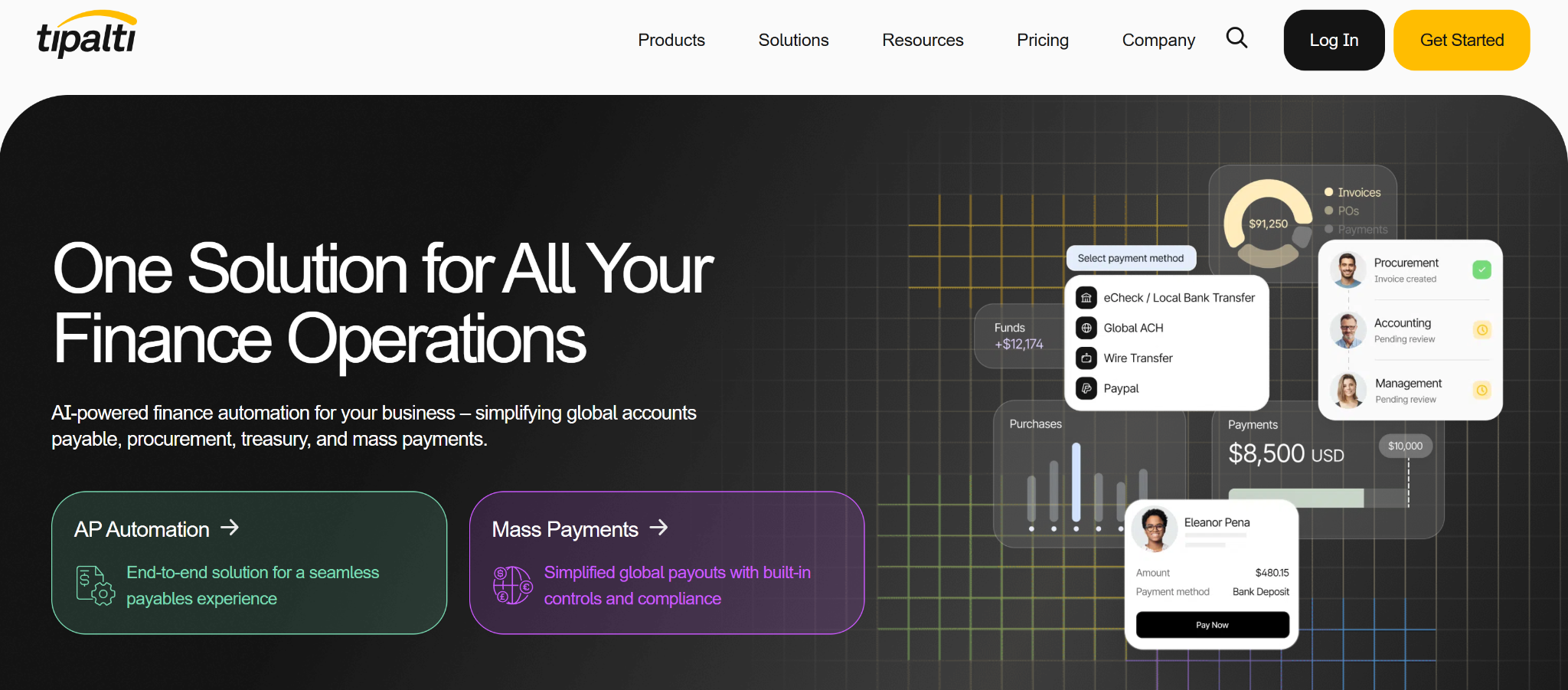
Regardless of your business model, never store raw card details on your platform. Instead, rely on payment tokenization provided by your payment gateway and ensure your platform complies with PCI DSS standards. For creator payouts, services such as Tipalti simplify global payouts, tax reporting, and regulatory compliance.
D. Strengthen Your OnlyFans-Like Platform Security
Security should be built into every layer of your platform rather than treated as an afterthought.
Encrypt all traffic using TLS/SSL, enable server-side encryption for object storage and database volumes, and place your platform behind a CDN with built-in DDoS protection. A Web Application Firewall (WAF) helps block threats such as SQL injection, cross-site scripting (XSS), brute-force attacks, and malicious API requests.
Finally, implement automated daily database backups with geographically separate storage and regularly test restoration procedures. A well-tested backup strategy ensures your platform can recover quickly from infrastructure failures, cyberattacks, or accidental data loss.
5. Scale, Monitor, & Optimize Your OnlyFans-Like Site Platform as It Grows
As your user base, content library, and traffic grow, you’ll need continuous monitoring, performance optimization, and disaster recovery planning to maintain a reliable user experience.
A. Monitor Server Health and Performance
You can’t resolve issues you can’t detect. Implement monitoring and logging before opening your platform to creators and subscribers so you can identify bottlenecks before they affect users.
A typical monitoring stack includes:
- Prometheus & Grafana for open-source metrics collection and dashboards. Monitor CPU, memory, request rates, error rates, and queue depths.
- Datadog or New Relic for application performance monitoring (APM) and distributed tracing.
- Sentry for real-time application error tracking.
- ELK Stack (Elasticsearch, Logstash, Kibana) or Grafana Loki for centralized log management and troubleshooting.
Configure alerts for critical metrics such as CPU utilization above 80%, database query latency exceeding 500 ms, elevated error rates, low CDN cache hit ratios, and abnormal storage or bandwidth usage.
B. Plan Backup and Disaster Recovery
Every production platform should have a documented disaster recovery plan with clearly defined Recovery Time Objectives (RTO) and Recovery Point Objectives (RPO).
For most subscription-based creator platforms:
- RTO: 1 – 4 hours
- RPO: Up to 1 hour
Best practices include hourly database snapshots, cross-region replication for media assets, automated infrastructure backups, and documented recovery procedures. Regular disaster recovery drills help verify that backups and restoration processes work as expected before an actual incident occurs.
C. Continuously Optimize Performance and Costs
As traffic increases, infrastructure should evolve alongside your platform. Regularly review server use, database performance, CDN cache efficiency, storage usage, and bandwidth consumption.
Scale resources automatically using autoscaling policies, archive older media with storage lifecycle rules, optimize database queries, and monitor cloud spending to prevent unnecessary infrastructure costs while maintaining performance.
D. Avoid Common Server Planning Mistakes for OnlyFans Like Site
Many scalability issues originate from avoidable deployment decisions.
Mistake 1: Running the application, database, and media processing on the same server.
Mistake 2: Streaming raw MP4 files instead of using adaptive streaming formats such as HLS or MPEG-DASH.
Mistake 3: Exposing the origin server instead of routing traffic through a CDN and Web Application Firewall (WAF).
Mistake 4: Disabling autoscaling, leaving the platform vulnerable to sudden traffic spikes during viral events or live streams.
Mistake 5: Treating backups as optional instead of testing recovery procedures regularly.
Mistake 6: Ignoring infrastructure monitoring and capacity planning until performance problems affect users.
Final Thoughts
Planning server infrastructure for an OnlyFans-like website isn’t just about choosing powerful servers, it’s about building a platform that remains fast, secure, and scalable as your creator community grows. By selecting the right hosting model, separating workloads, optimizing video delivery, strengthening security, and continuously monitoring performance, you create a reliable foundation for long-term success. Investing in infrastructure early minimizes costly migrations, improves user experience, and prepares your platform to handle future growth with confidence.
FAQs On OnlyFans-Like Website Server Planning
1. What is the best hosting solution for an OnlyFans-like platform?
Cloud hosting suits new creator platforms, while growing businesses often adopt hybrid deployments. M3Server provides dedicated and hybrid hosting solutions designed to support high-traffic creator platforms with improved scalability, reliability, and consistent performance.
2. What database is best for an OnlyFans-like creator platform?
Many creator platforms combine PostgreSQL for relational data with Redis for caching and MongoDB for high-volume workloads such as messaging and notifications. This improves performance, scalability, and response times.
3. What server requirements does an OnlyFans-like website need?
An OnlyFans-like website requires scalable application servers, managed databases, object storage, CDN integration, and autoscaling. These components ensure smooth video streaming, secure payments, messaging, and reliable performance during traffic spikes.